
Know what every item is worth, the moment you open a shop.
A free overlay for Windows that prices the Free Market for you and helps you level faster. It reads your screen and never touches the game.
Also on Mac, in beta: download page.
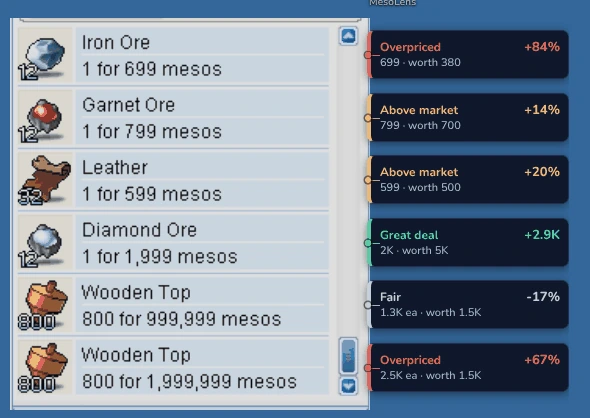 A real shop, priced by MesoLens
Trade smarter. Level faster.
Open shops and play like you always do. MesoLens fills in the numbers.
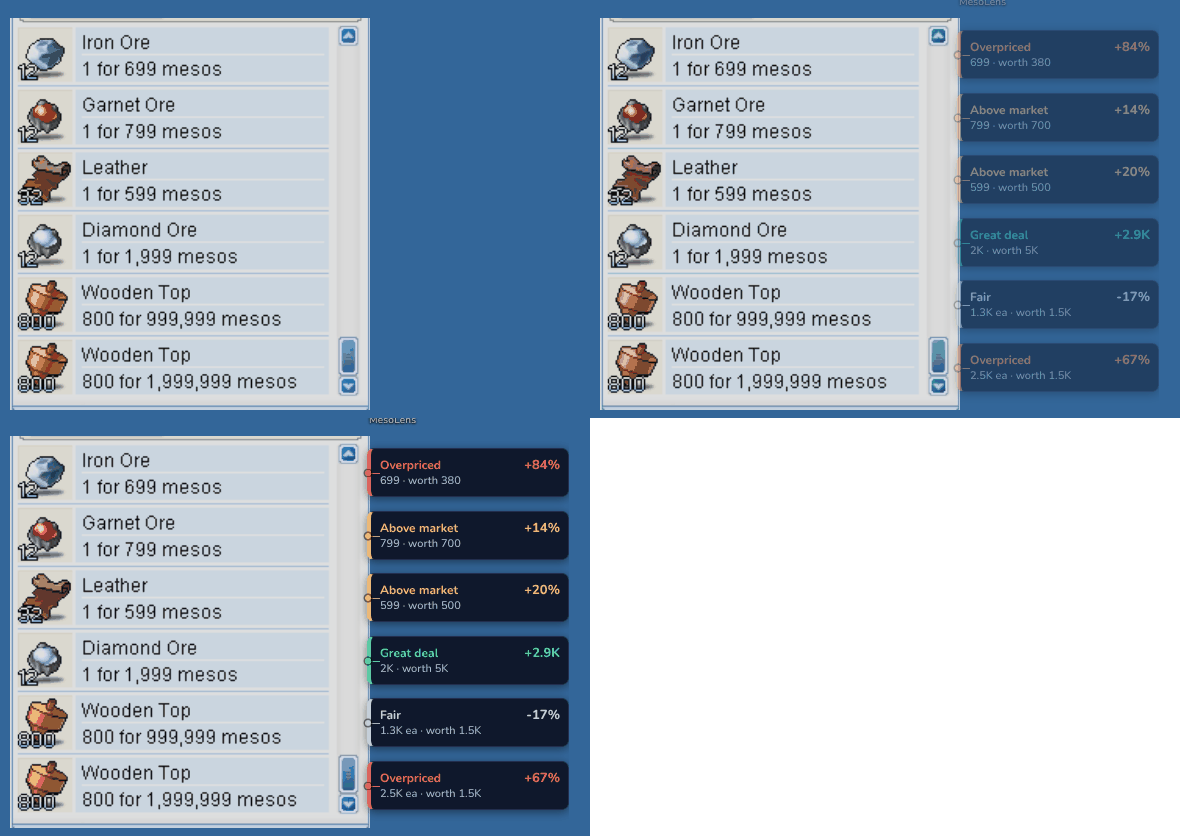
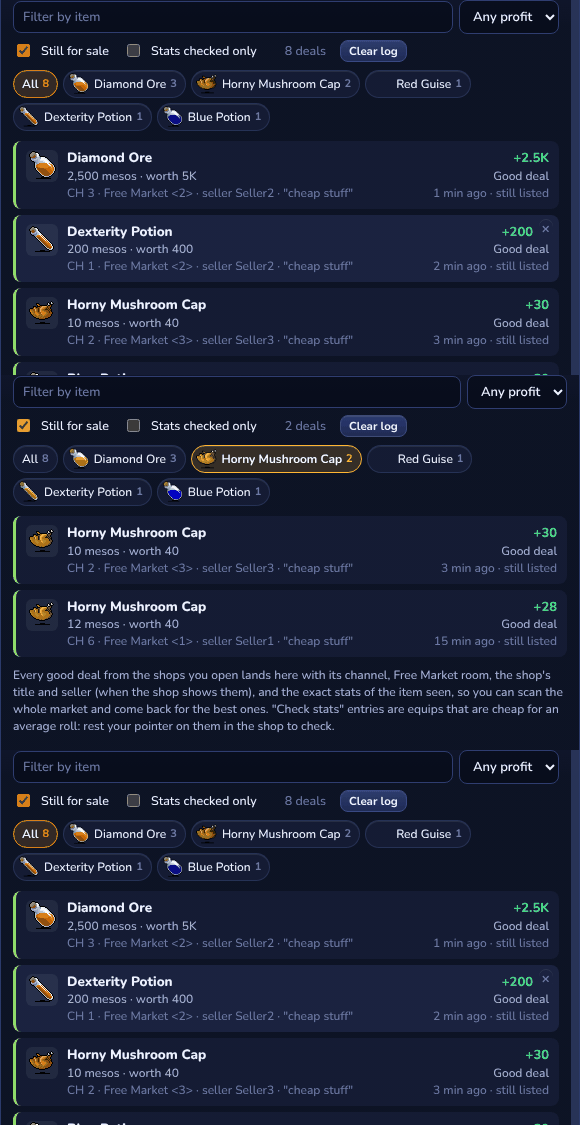
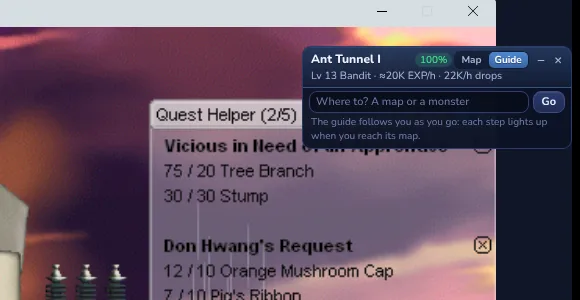
Free to download. The rest you'll see in the app.
It only looks. You do all the playing.
MesoLens
- Reads your screen, like a screen recorder
- Shows its info in its own windows on top
Never
- Reads or changes the game's memory or files
- Injects anything into the game
- Presses keys, clicks or plays for you
MesoLens is a fan-made tool, not approved by NEXON. Like any third-party tool, you use it at your own risk. Never use it to bot or to trade game items for real money.
Free for everyone. Supporters get the extras.
Everything MesoLens does on your PC is free. Supporting keeps the servers running and unlocks the extras.
Free
- The whole overlay on your PC
- Shop prices, deals, grinding and the map guide
- Prices from every player, twice a day
Supporter
- Everything in Free
- Live prices from every player
- Grind reports
- Latest sales and history
Merchant
- Everything in Supporter
- Deals log
- Live shop spots
- Where it's listed now
Tycoon
- Everything in Merchant
- Price alerts
- Early access
- Your name in the credits
Good to know
Is MesoLens safe to use with MapleStory?
MesoLens only reads your screen, the way a screen recorder or streaming software does. It never reads or changes the game's memory or files, never injects anything and never presses keys or clicks for you. It's a fan-made tool and not approved by NEXON, so like any third-party tool, using it is your call.
What does the game need to be set to?
Windowed or Borderless (windowed full screen). Exclusive full screen hides every overlay.
Windows says "Windows protected your PC". Is that normal?
Yes. MesoLens is new, so Windows warns about it the first time. Click More info, then Run anyway. You can check the installer's SHA-256 on the download page.
How do I cancel, pause, or get a refund?
On your account page: cancel any time and keep your perks to the end of the month, or pause for 1 to 3 months (no charge, then it restarts by itself). No email needed. Refunds are covered in the terms, or write to [email protected].
I have a streamer's creator code. Where does it go?
When you subscribe: on your account page (pick a plan, then "Have a creator code?"), in MesoLens (Settings > Account), or on Stripe's payment page. It gives 20% off your first 3 months of your first subscription. Streamers who want a code can write to [email protected].
Can I show MesoLens on my stream?
Yes: turn on Settings > Streaming > "Show MesoLens on my stream" (it's hidden from streams until then). In OBS use Display Capture: Game Capture only grabs the game itself.
Does it work on Mac or Linux?
Mac: yes, in beta, for macOS 12 or newer (Apple chip or Intel): get it on the download page. Linux: not yet.

See the Free Market the way traders do.
Free, about a minute to install, and it never touches the game.